

1
Create an account or sign in
Go to app.yourhomie.ai and sign up, or sign in if you already have an account. You can use email and password, Google, or Microsoft.If your company has set up single sign-on, choose Continue with SSO on the login page and enter your work email. You join the existing workspace through SSO, so skip creating a new workspace. If you see Confirm your email address, open the confirmation link sent to your inbox to finish joining.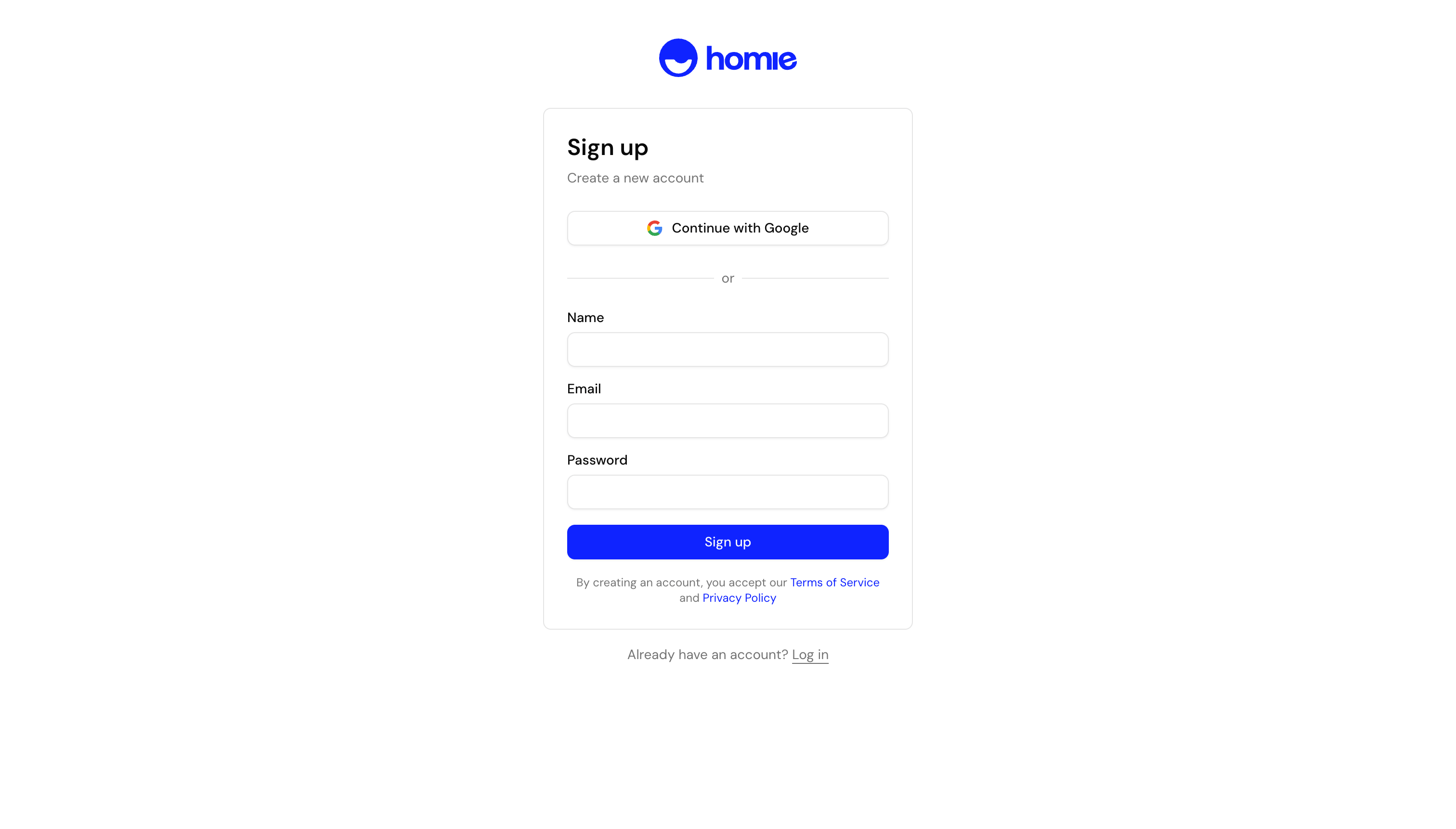
2
Create your workspace and pick a plan
Set up your organization (your workspace) and choose a plan that fits your store’s expected message volume. You can change your plan later as you grow.
3
Create your first assistant
Create an assistant and give it a name. You can seed it from your website URL — homie scans the site to tailor the assistant to your content and branding.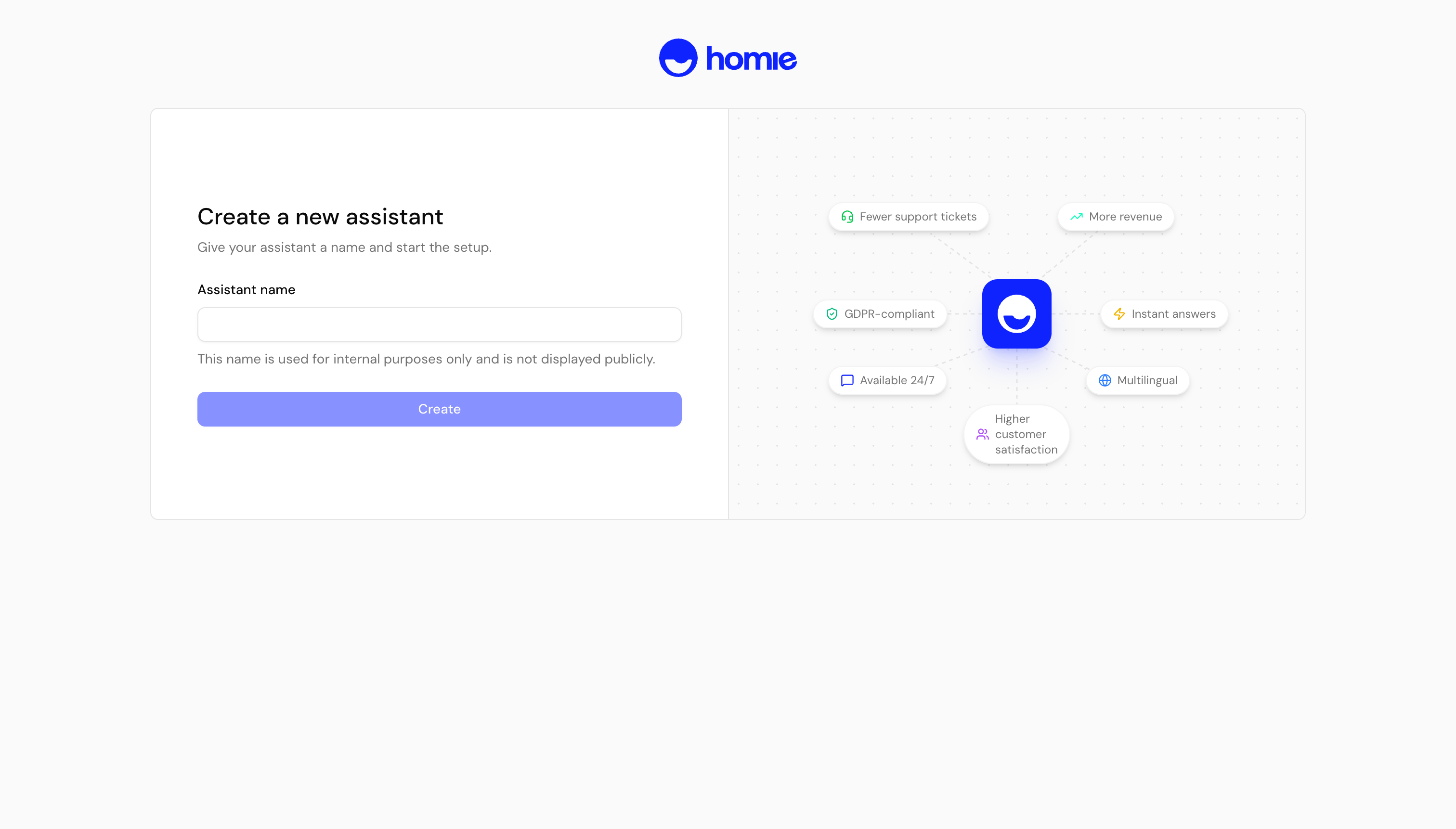
4
Add knowledge
Connect a knowledge store and your product data so the assistant answers with accurate, store-specific information. See Knowledge overview for details.
5
Test it in the Playground
Open the Playground and chat with your assistant exactly as a shopper would. Tweak its tone and knowledge until the answers feel right.
6
Publish and install on your store
When you’re happy, install the widget on your store. Follow the Installation overview for your platform.
Next steps
Install on your store
Pick your platform and add the widget to your site.
Add knowledge
Train your assistant on websites, files, FAQs, and product data.