

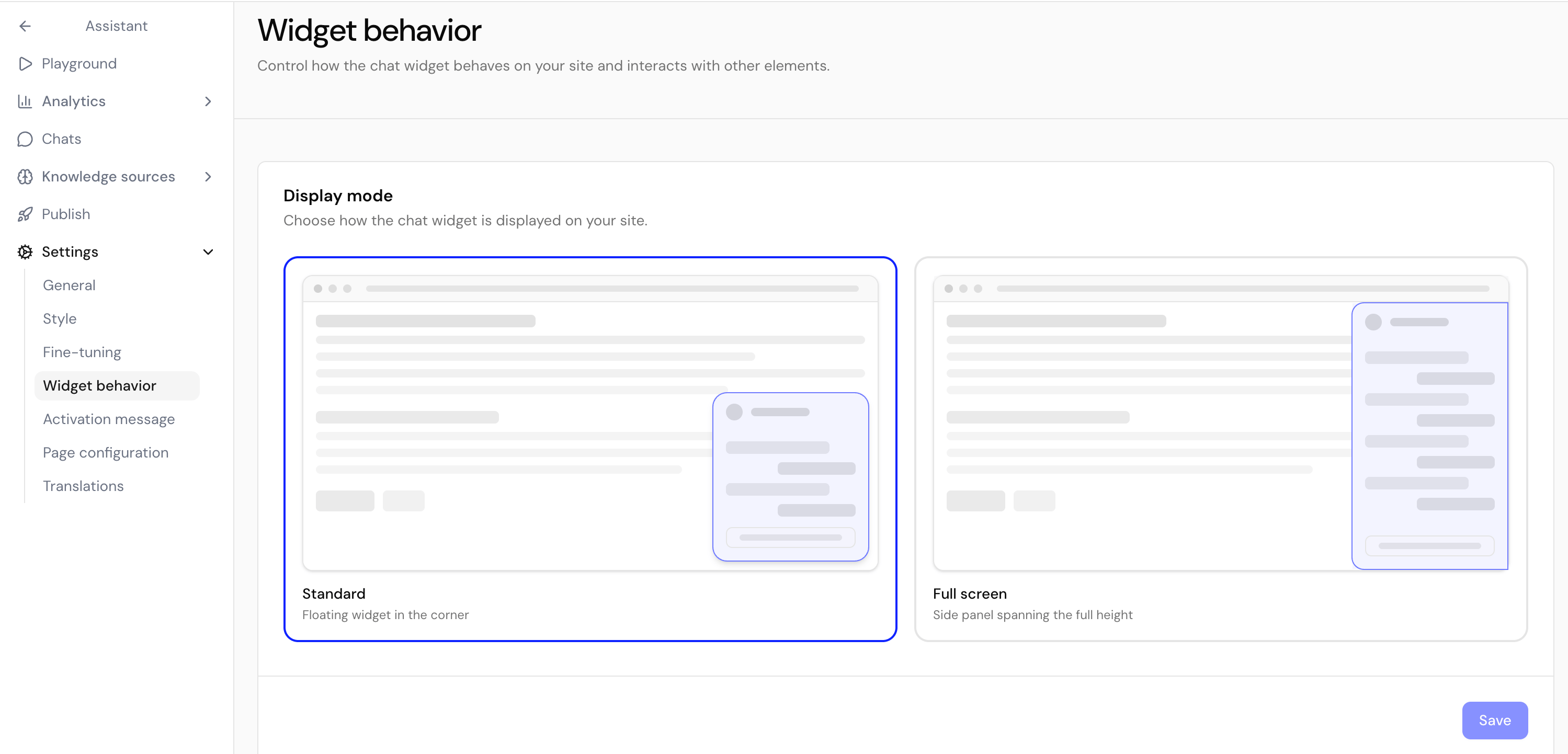
Display mode
Pick Standard (a floating widget in the corner) or Full screen (a side panel spanning the full height of the page).Z-index
Adjust the widget’s stacking order so it appears above menus, cookie banners, and other overlays. Increase the value if another element covers the widget.Hide overlapping elements
Optionally hide third-party widgets (such as Trusted Shops) that would overlap the chat when it opens. Add an element by the start of itsid and choose whether to hide it everywhere, on mobile only, or on desktop only.
The launcher’s position (left or right) is part of Appearance, not Widget behavior.
Next steps
Activation message
Invite visitors to chat with a proactive bubble.
Customize per page
Set page-specific messages and hide the widget where needed.