

Create a secret
1
Open Secrets
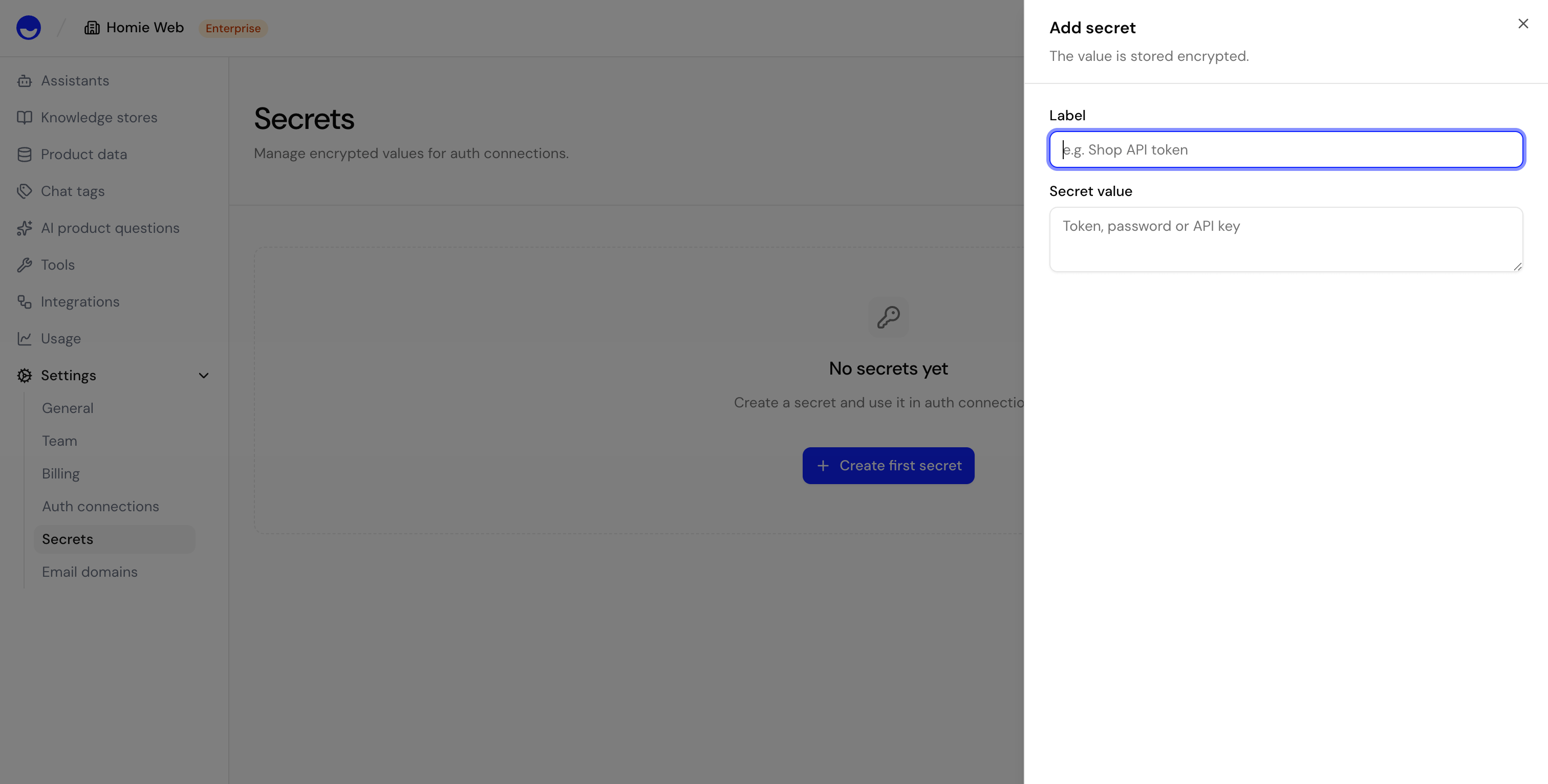
Open Settings → Secrets and select Add secret.
2
Name and value
Give the secret a clear name so you can recognize it later, then paste the credential value (such as an API key or token).
3
Save
Save the secret. You can now reference it from an HTTP tool or auth connection.
Edit and delete secrets
You can rename a secret or replace its value at any time — useful when you rotate a key. Deleting a secret removes it permanently; any HTTP tool that relies on it stops working until you provide a replacement.Creating, editing, and deleting secrets requires the Owner or Admin role.
Next steps
HTTP Tool
Use stored secrets when building tools.
Auth connections
Connect external services with stored credentials.