

Managing auth connections requires the Owner or Admin role.
How it works
Each connection pairs an authentication method with a value stored as a secret, so the sensitive credential is never exposed in your tool configuration. homie supports:- Bearer token — sends an
Authorization: Bearerheader with your token. - Basic auth — sends a username and password.
- Header — sends a custom header with your value.
- OAuth2 (Client Credentials) — fetches short-lived access tokens automatically from the service’s token endpoint and renews them before they expire.
OAuth2 (Client Credentials)
Some services — Shopware, for example — issue access tokens that expire after a few minutes. With an OAuth2 connection you don’t manage those tokens yourself: store the Token URL, Client ID, and Client secret once, and homie fetches a fresh access token in the background whenever one is needed.- Token URL — the token endpoint of the service (for example
https://your-shop.example/api/oauth/token). - Client ID — the public identifier of your API credentials.
- Client secret — the credential used to authenticate your app with the external service.
- Scope (optional) — only needed if the service requires specific scopes.
Add a connection
1
Store the credential as a secret
First add the API key, token, or password as a secret so you can reuse it in your connections.
2
Open Auth connections
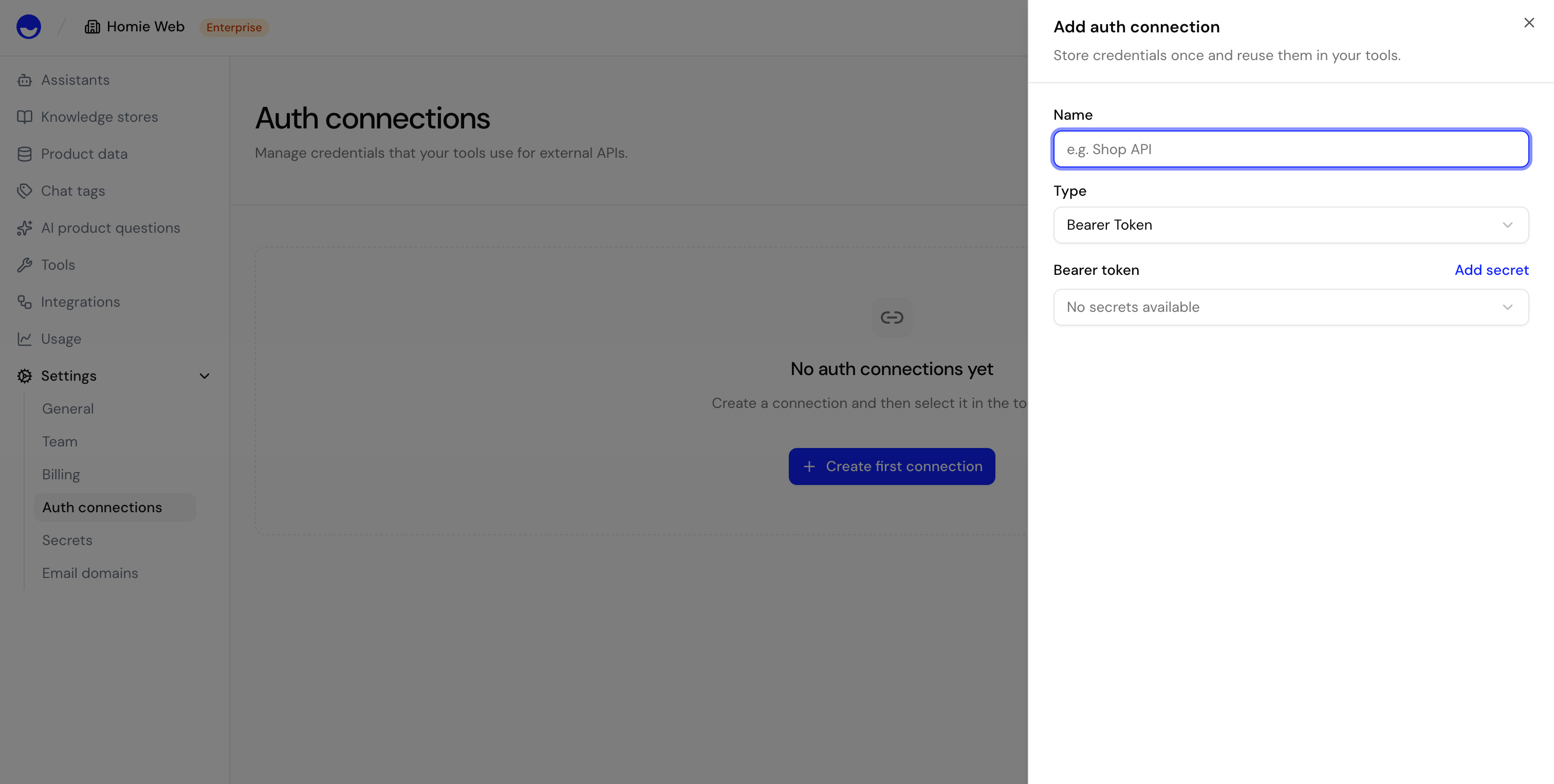
Open Settings → Auth connections and select Add auth connection.
3
Choose the connection type
Select how the external service authenticates — Bearer token, Basic auth, a custom Header, or OAuth2 (Client Credentials) — and reference the secret that holds the value.
4
Use it in an HTTP tool
Reference the connection when configuring an HTTP tool so the tool can call the external service on your behalf.
Manage connections
Review your connections, update the credential a connection uses, or remove a connection you no longer need. Removing a connection stops any HTTP tool that depends on it from authenticating.Next steps
HTTP Tool
Build tools that call your external services.
Secrets
Store the credentials your connections use.